Sort and narrow the Shopping results
Above the cards, Sort reorders the products and New only hides used and refurbished offers. A price range or a condition goes straight into your search words.
#Sort
Open Sort and choose:
| Choice | Order |
|---|---|
| Best match | Products whose titles match your words best come first (the order when the results open). |
| Lowest price | Cheapest first, counting shipping when the store gives it. |
| Most stores | Products sold by the most stores first, which are the easiest to compare. |
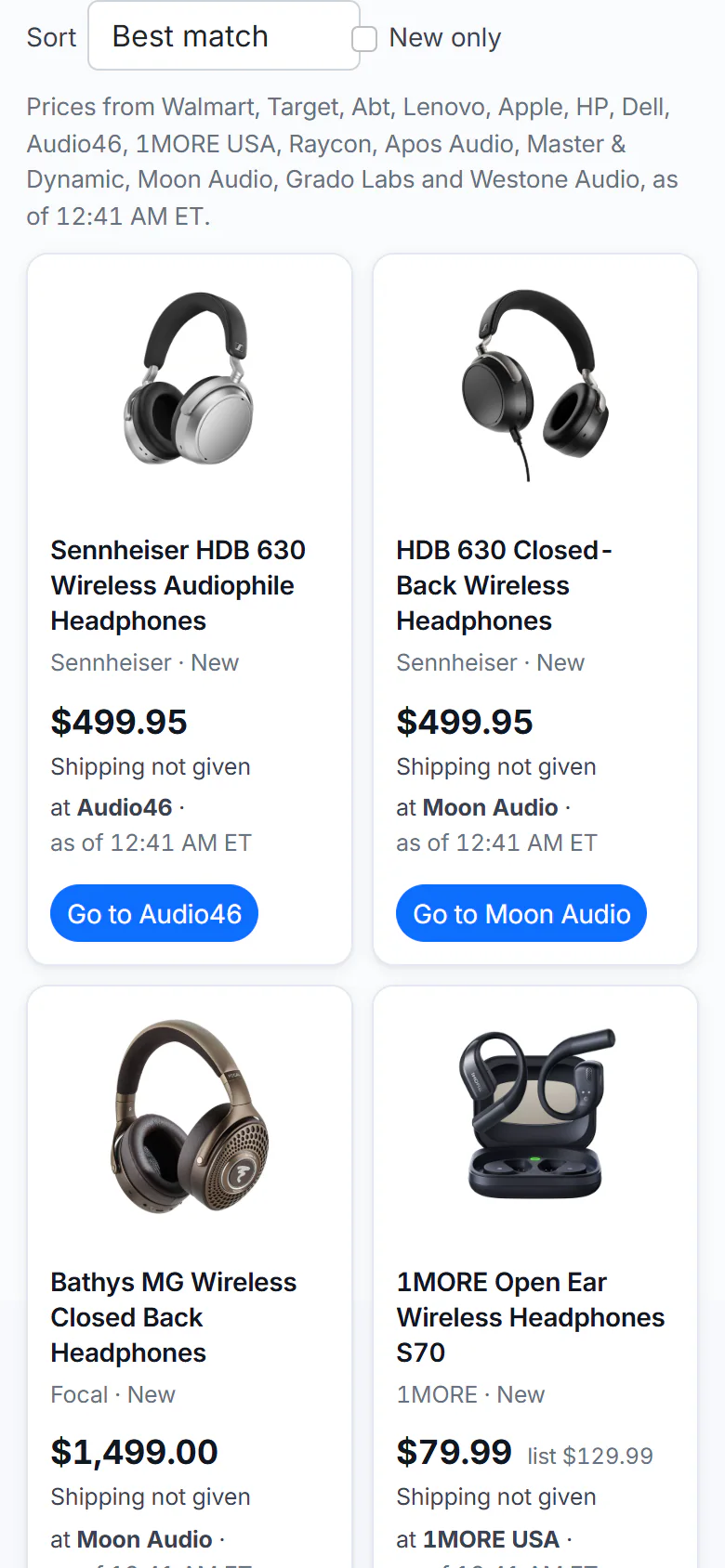
Sort and New only sit above the cards, on a phone as on a computer.
- 1Sort and New only
- 2A product card
Sorting reorders the cards already on the page: it does not search again.
#New only
Tick New only to hide the cards whose best offer is used, refurbished, open box or for parts. Untick it to see them again.
#Put a price range or a condition in the search
| Type | Shows |
|---|---|
tv under $500, tv below 500 dollars | Offers up to $500 |
tv over $300 | Offers from $300 up |
tv $300 to $600 | Offers between $300 and $600 |
refurbished laptop | Refurbished offers |
used camera, pre-owned camera | Used, refurbished and open-box offers |
open box soundbar | Open-box offers |
The price range applies to the item's price, before shipping. Offers whose condition the store does not state are kept.
#Common questions
Does Lowest price include shipping?
Yes, when the store gives a shipping price. When it says Shipping not given, only the item's price is counted, so check the store before you decide.
Why does an item with no condition shown appear under New only?
When a store does not say what condition an item is in, Shopping treats it as new, which is how most stores list new stock. The store's page has the details.
Can I filter by brand or by store?
Not with a control. Add the brand to your search words (sony headphones). The comparison page of a product lists every store's offer.